

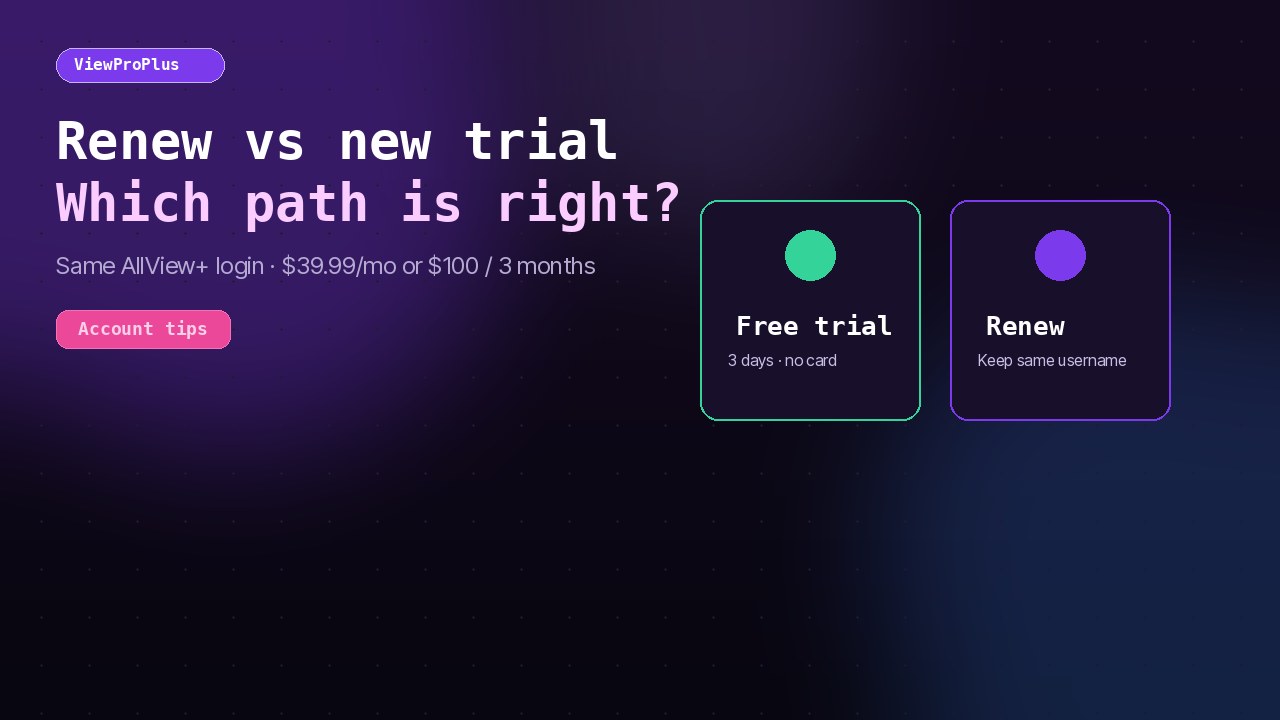
Confused whether to hit Renew or start another free trial? This guide explains both paths for ViewProPlus so you keep the right AllView+ login and avoid duplicate accounts.
Short answer
- Already have an AllView+ username (active or expired) → use Renew.
- Brand-new to ViewProPlus → use Free trial (3 days, no card) or Subscribe.
When to renew
Renew if you previously received AllView+ credentials from ViewProPlus and want to extend the same username. That keeps your devices signed in and avoids juggling multiple logins.
When to start a trial
Use the trial when you have never had a ViewProPlus / AllView+ login, or support has confirmed you should open a fresh account. The trial is 3 days with no credit card.
How to renew (same username)
- Open /renew.
- Look up your account with AllView+ username, email, or phone.
- Choose $39.99/month or $100 for 3 months.
- Complete secure checkout. Keep using the same AllView+ app login.
How to start a new trial
- Open /free-trial.
- Submit name, email, and phone; verify the email code.
- Install AllView+ from the download page and sign in with the new credentials.
- If you like the service, subscribe before the trial ends — or use Subscribe anytime.
Pricing reminder
Public plans: $39.99/mo or $100 for 3 months. Full detail on Subscribe. Device limit remains up to 6 devices.
Common mistakes
- Opening a second trial while an old username still works — causes confusion on TVs still signed into the old login.
- Paying a third party who promises “credits” without using ViewProPlus checkout.
- Installing random APKs instead of official AllView+ store listings.
FAQ
Will renew change my password?
Renew extends service on the same username. You keep using the password you already have unless support issues a reset.
Can I trial again after paying?
Trials are for evaluating the service. Existing customers should renew or subscribe. Ask [email protected] if you have a special case.