

Watch on
Quick setup
Start on your phone in a few minutes. Smart TVs with an app store can install AllView+ too. Firestick is optional for TVs without apps — no sideloading or Downloader required.
Start here
Phone & tablet
Install AllView+, sign in with your trial or subscription email, and start watching — same login on up to 6 devices.


Install AllView+
Get it from the App Store or Google Play.
Sign in
Use the credentials from your trial or subscription activation email.
Watch anywhere
Stream on your phone. On a Smart TV with an app store, install AllView+ the same way. Firestick only if your TV has no apps.


Living room
Smart TV
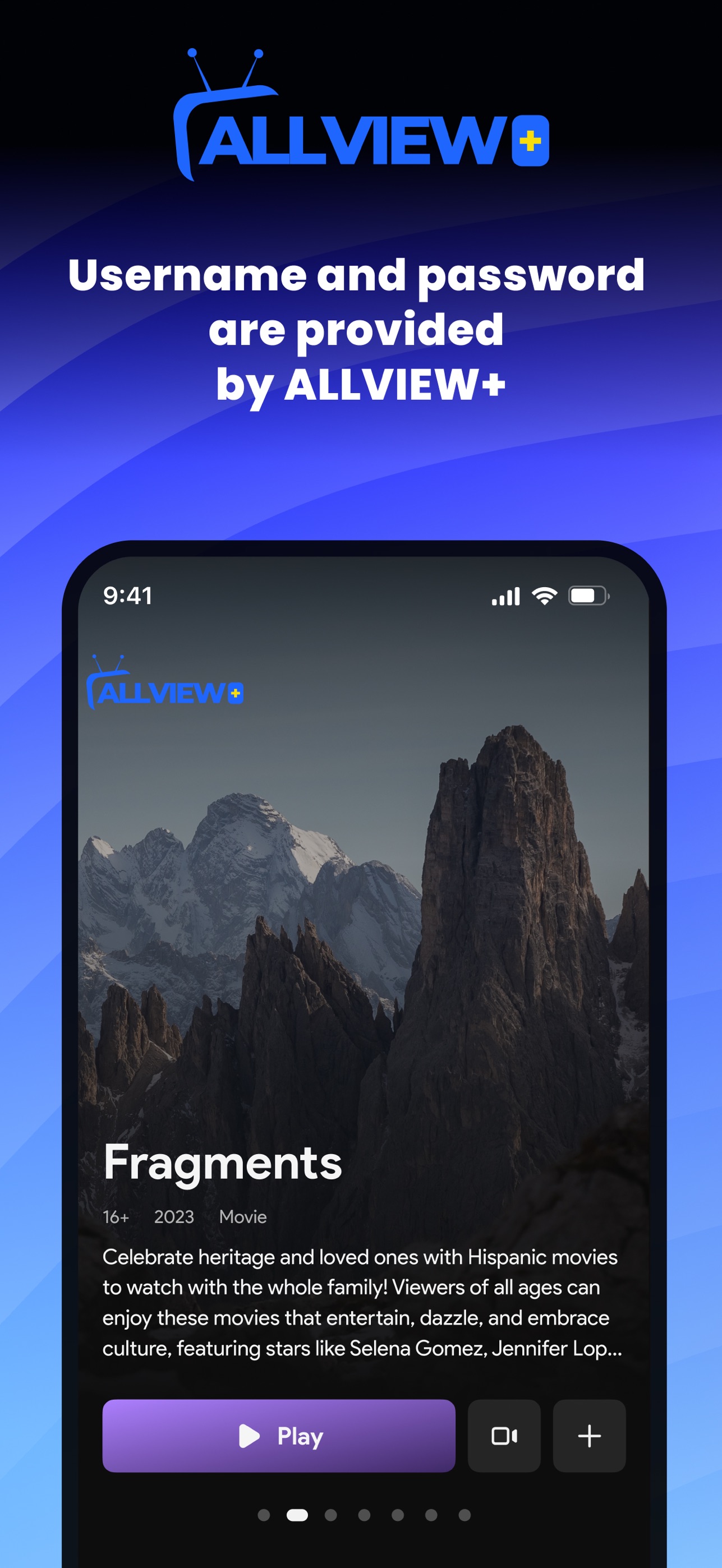
If your TV has an App Store, Google Play, or its own app store, install AllView+ and sign in with your ViewProPlus email and password.
Optional
Firestick — only if your TV has no app store
Skip this if AllView+ already runs on your phone or Smart TV.
Open Search on your Fire TV
From the home screen, select the Search icon (magnifying glass).
Search for AllView+
Type AllView+ (or AllView). Open the official app from the Amazon app store.
Install & sign in
Install, open, and sign in with the email login from your ViewProPlus activation email.
Start watching
Browse live sports, movies, and TV. Same login on more devices (up to 6).
Ready to try ViewProPlus?
3-day free trial · No credit card · AllView+ on App Store & Google Play · $39.99/mo or $100 for 3 months