3-day free trial · No credit card

Football, movies & live TV on your phone or TV

Download AllView+ from the App Store or Google Play — no Firestick required. Works on Smart TVs that have an app store too. If your TV doesn't, a Firestick works great. One login. Up to 6 devices.

6 devicesWatch anywhere
HD / 4KWhere available
3-day trialNo credit card
Email loginInstant activate
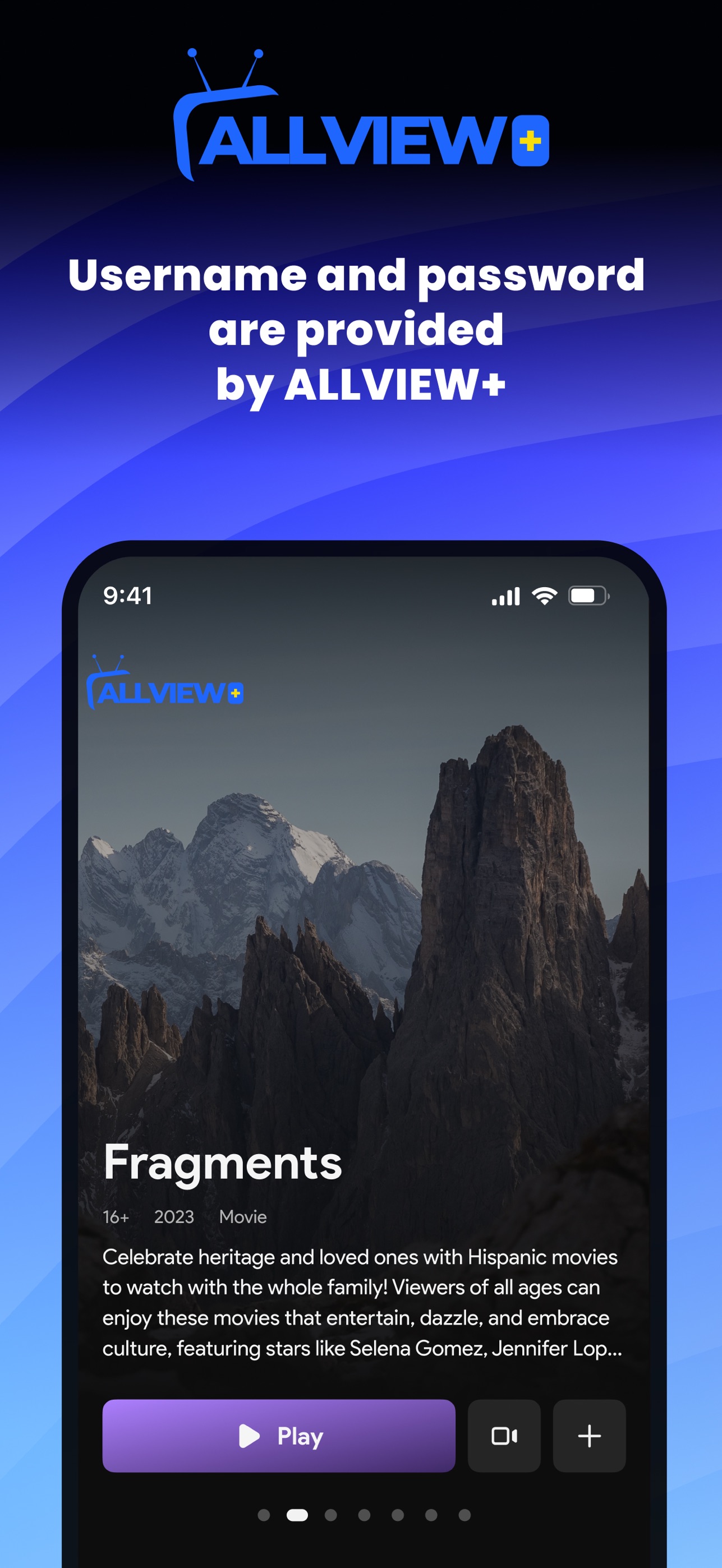
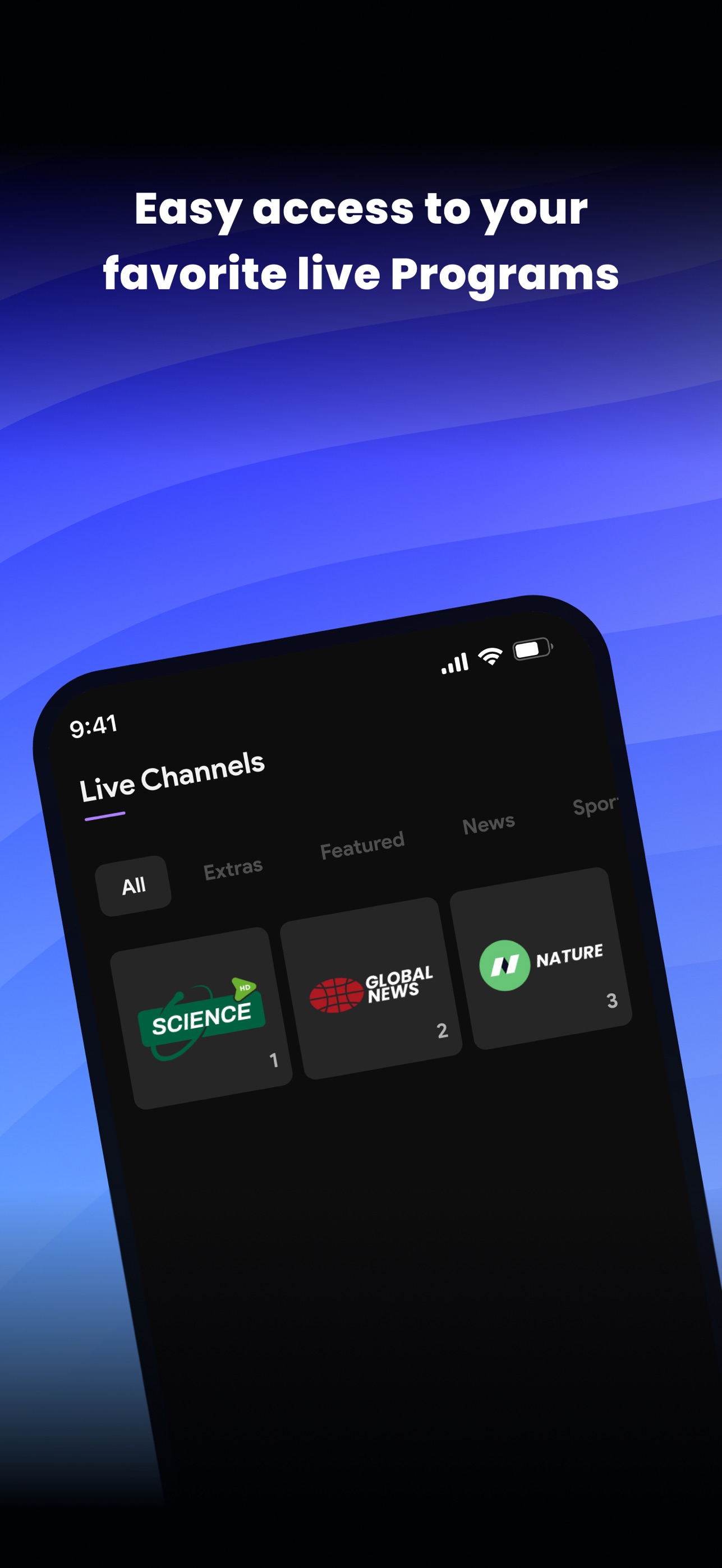
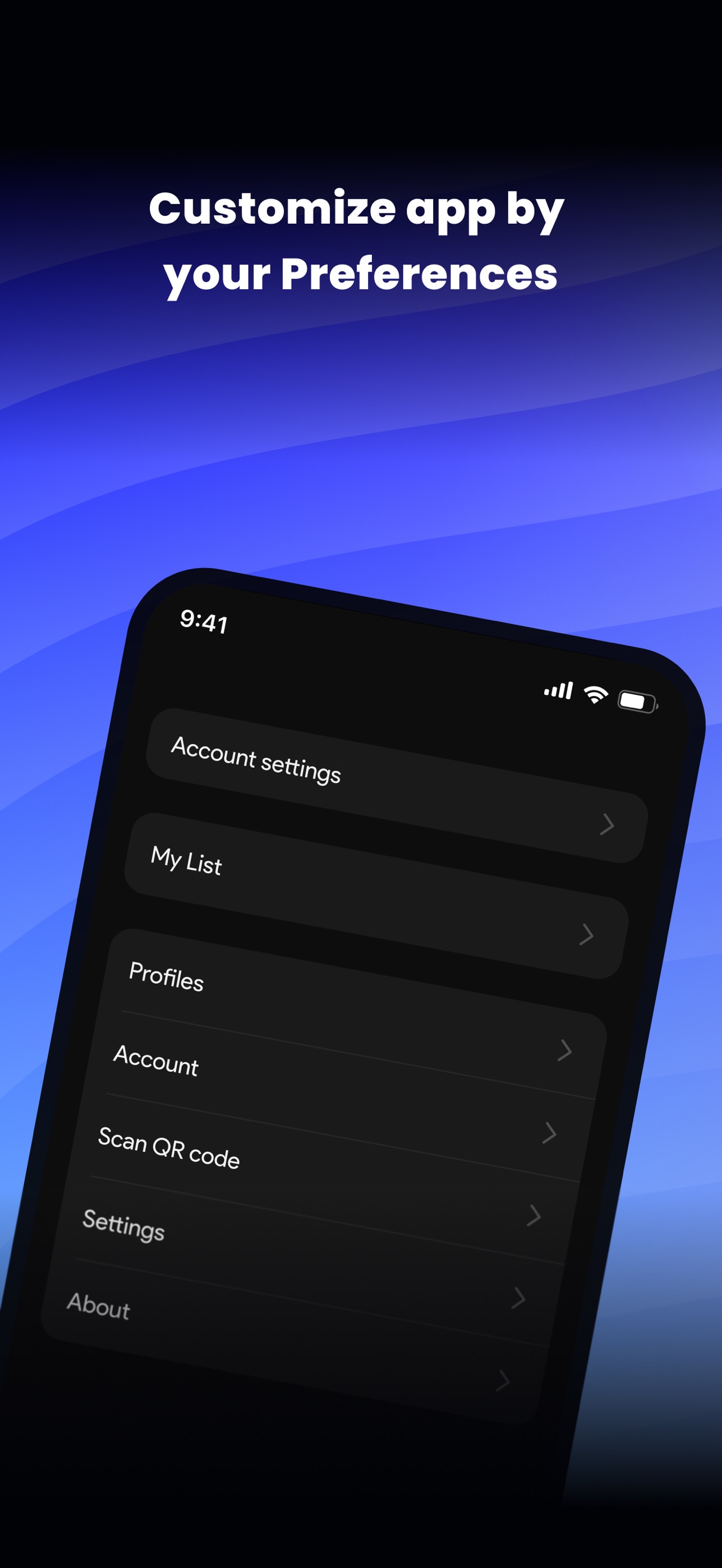
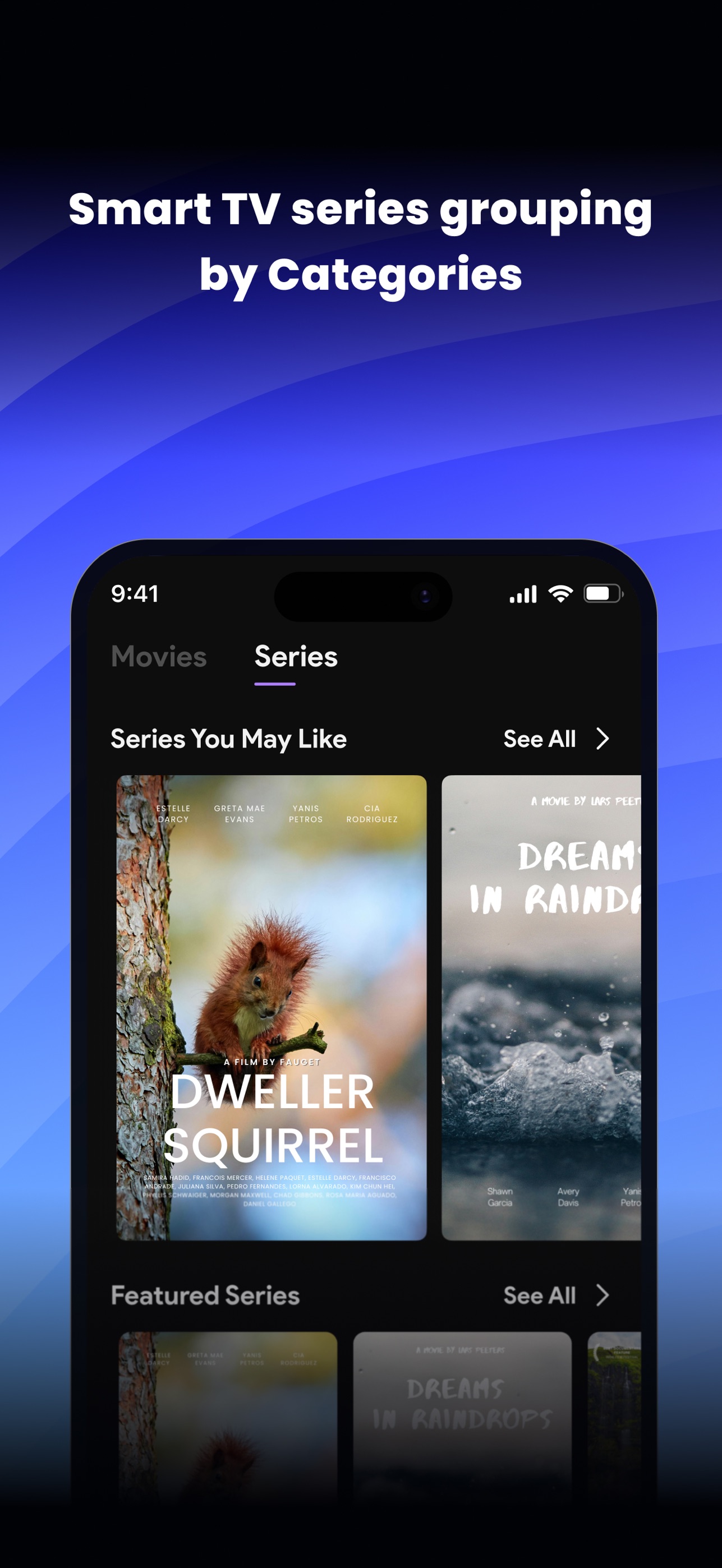
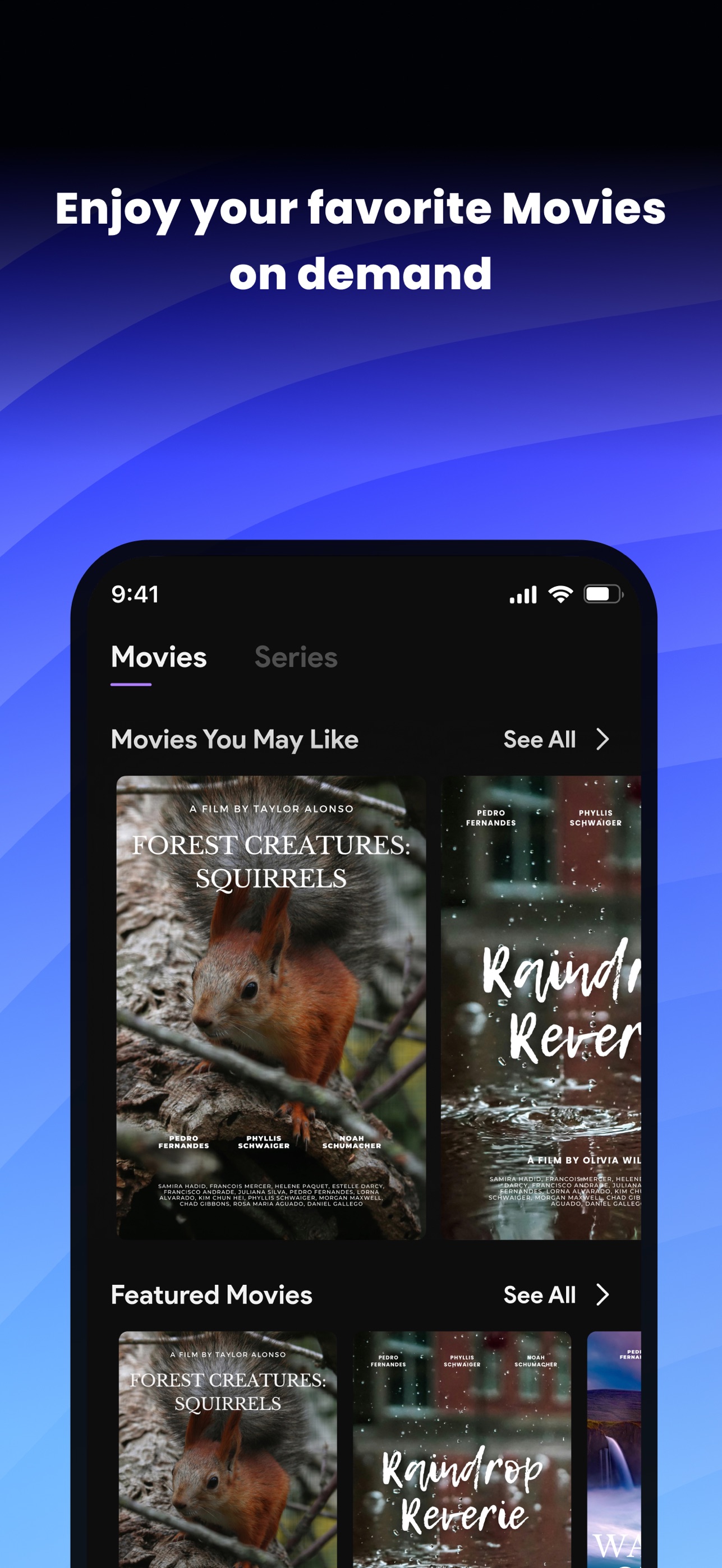
AllView+ movies screen AllView+ home screen
AllView+ App Store & Google Play

From signup to first stream

How ViewProPlus works

Confirm your email, download AllView+, then watch on phone or TV. Firestick only if your TV has no app store.

  1. Step 1 · About 1 minute

    Start the free trial

    Enter your name and email on the trial page. We send a 6-digit code so we know the inbox is yours — no credit card for the 3-day trial.

    • Email verification before login details go out
    • No payment collected on trial signup
    • Takes about a minute on your phone
    Open free trial →
  2. Step 2 · Check your inbox

    Get your AllView+ login

    After you confirm the code, we email your username and password. Keep that username — renewals and paid plans use the same login so you never end up with a duplicate account.

    • Credentials arrive only after email confirm
    • One username for trial → paid → renew
    • Check spam if nothing shows in a few minutes
    Already have a username? Renew →
  3. Step 3 · Download & watch

    Open AllView+ and stream

    Install AllView+ from the App Store or Google Play. Sign in with the login we emailed. Works on phone first, then Smart TVs with an app store. Firestick is optional only when the TV can’t install apps.

    • AllView+ on iPhone, Android & app-store TVs
    • Up to 6 devices on one login
    • Firestick only if your TV has no apps

Plans & checkout

Simple, transparent pricing

Monthly flexibility or save with 3 months. Up to 6 devices. Lead with AllView+ on the App Store & Google Play — Firestick only if your TV has no apps.

Flexible

Monthly

$39.99/mo

Billed monthly · Cancel anytime via support

  • Live sports, movies & TV
  • Up to 6 devices on one login
  • AllView+ — App Store & Google Play
  • Smart TV with apps OK
  • Firestick optional if TV has no apps
  • Same login for renew
Subscribe Monthly

Existing NoraGO / SoPlayer users: your ViewProPlus login continues to work on those apps. New customers use AllView+ as the primary player.

Full subscribe & checkout details

Apps & devices

Get AllView+

Watch anywhere you already stream. Start on your phone, then add a Smart TV with an app store — Firestick only if the TV can’t install apps.

AllView+ movies screen AllView+ home screen
AllView+ Primary ViewProPlus app

Phone first · App Store & Google Play

Download the app. Same login everywhere.

AllView+ is the primary player for ViewProPlus. Install from the official stores, sign in with the login we email you, then stream live sports, movies, and TV on up to 6 devices.

  • Phone first — iPhone & Android
  • Smart TV with apps can install AllView+
  • Up to 6 devices on one plan
  • Same login for trial, paid & renew
Full download & setup options →

Also on the big screen

Smart TV

If your TV has an app store, search for AllView+ and install it there — same account as your phone.

Smart TV guide →

Optional · only if needed

Firestick (optional)

Not required. Use a Firestick only when your TV can’t install apps — open Search and type AllView+.

Optional Firestick setup →

See AllView+ in action

Real App Store and Google Play screenshots — not mockups.

AllView+ screenshot 1
AllView+ screenshot 2
AllView+ screenshot 3
AllView+ screenshot 4
AllView+ screenshot 5
Download on the App Store Get it on Google Play

Frequently asked questions

Straight answers — no fluff.

Do I need a credit card for the free trial?
No. The 3-day free trial does not require a credit card. You’ll get activation details by email after signup.
Which app should I use?
New customers download AllView+ from the App Store or Google Play. Many Smart TVs with an app store can install it too. Firestick is optional if your TV can't run apps. If you already use NoraGO or SoPlayer with a ViewProPlus login, that same login continues to work.
How many devices can I use?
Plans include up to 6 devices — iPhone, Android, tablets, Smart TVs with an app store, and Firestick if you want one.
How do I subscribe after the trial?
Choose Monthly ($39.99) or 3 Months ($100) on the subscribe page. Checkout is processed securely. Questions? Email [email protected].
When will I get my login email?
Activation emails are sent after signup. Check inbox and spam. If nothing arrives, contact [email protected].
Start Free Trial